
A Simple WiFi Audit for Your Venue
Slow or unreliable guest WiFi? Use this practical venue WiFi audit to find weak spots, test your internet connection and plan better access point coverage.
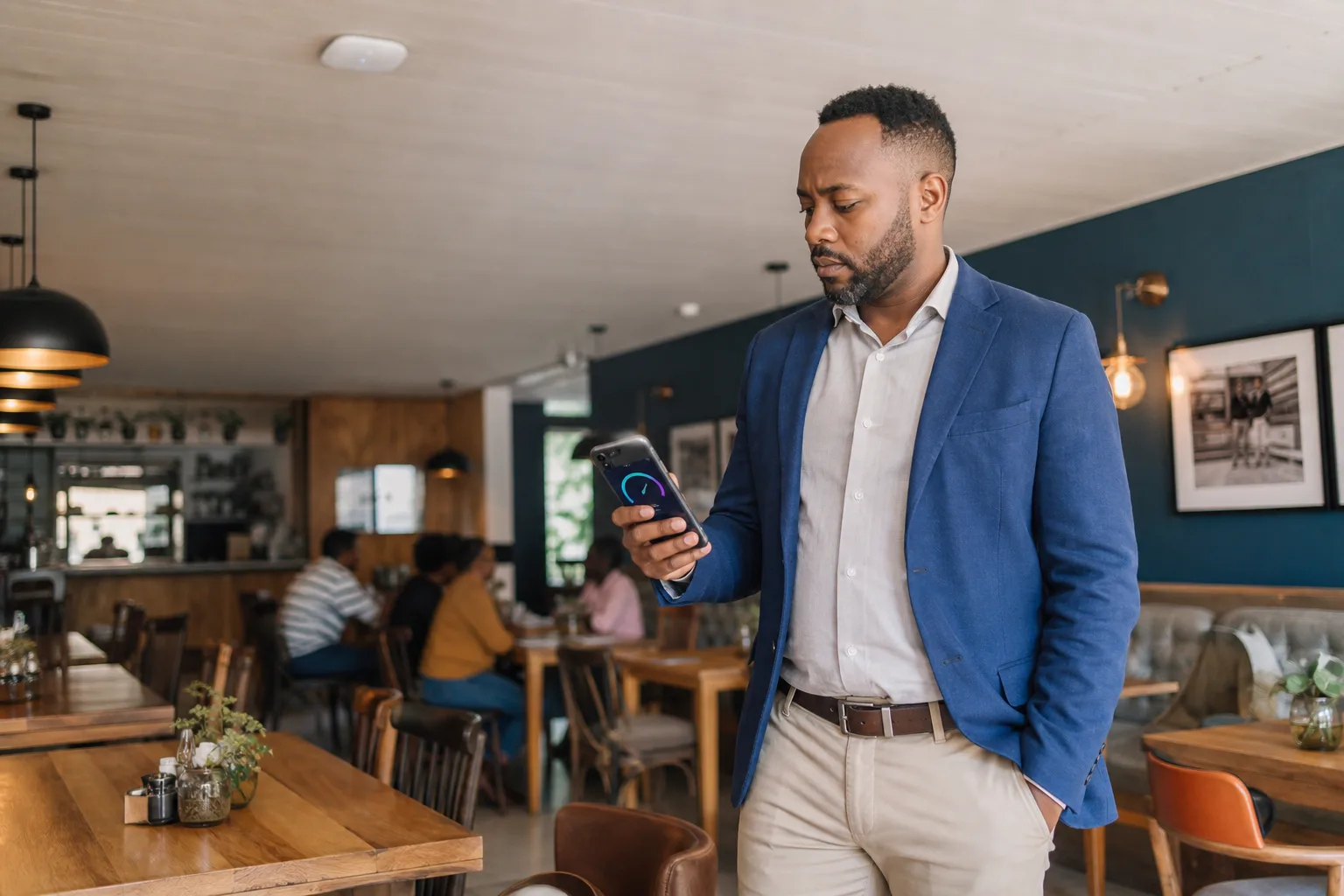
Slow WiFi is not always an internet problem. In a restaurant, lodge or busy venue, the fault could be the incoming connection, poor access point placement, interference, too many users on one device or a cheap extender trying to cover more space than it should.
A simple WiFi audit helps you work out where the problem actually is before you spend money trying to fix it.
Start with the internet connection
Before testing the WiFi, check the connection coming into the building.
Connect a laptop directly to the main router or network switch with an Ethernet cable and run a speed test. If possible, do this when the venue is quiet and again during a busy service.
Record three figures:
- Download speed
- Upload speed
- Latency, usually shown as ping
The result should be reasonably close to the service you are paying your internet provider for. It will not always match the advertised maximum, but a large or repeated shortfall needs attention.
If the wired test is poor, adding another access point will not solve the underlying problem. The internet line, router or service provider needs to be checked first.
If the wired result is good but guests still complain, the problem is probably inside the venue.
Test the places where guests actually use WiFi
Do not stand next to the router, run one test and declare the network healthy. Test where people sit, work, wait and stay.
Walk through the venue using the same phone or laptop for the first round of tests. In a restaurant, that may include:
- The main dining area
- Outside tables or the smoking section
- The bar
- Private function rooms
- The entrance and waiting area
- The manager’s office and point-of-sale area
At a lodge or guesthouse, include bedrooms, common areas, conference rooms and outdoor guest spaces.
Run a speed test in each area and write down the result. Also note whether pages take a long time to start loading, video calls break up or the device keeps dropping off the network. Raw speed matters, but stability matters just as much.
Repeat the worst tests with a second device. An older phone may have weaker WiFi hardware than a modern laptop. If several devices struggle in the same place, you have probably found a genuine coverage problem.
Repeat the audit when the venue is busy
A network that works at 10:00 on a quiet Tuesday may fall apart during Friday dinner service.
Busy-period testing shows whether the problem is coverage or capacity. One access point may give a strong signal across a room but still struggle when dozens of guests, staff devices, card machines and smart equipment are all competing for airtime.
Compare the busy results with your quiet baseline. If performance drops sharply everywhere, the venue may need more internet capacity, better traffic management or a router that can handle the load. If the slowdown is limited to one section, access point capacity or placement is more likely to blame.
Hotwireless can also separate guest access from business-critical traffic. Guest streaming should not be able to crowd out your point-of-sale system, office computers or operational devices.
Look for walls, metal and interference
WiFi does not pass through every building material equally well. Thick brick walls, concrete, mirrors, metal kitchen equipment, cold rooms and even large bodies of water can weaken or reflect the signal.
Restaurants are particularly awkward environments. Kitchens contain metal surfaces and electrical equipment. Dining rooms may have decorative walls, multiple levels or outside areas added long after the original network was installed.
Access points hidden in cupboards, placed on the floor or mounted at one end of a long building rarely give consistent coverage. A strong signal in the office does not help the guest seated behind two brick walls on the patio.
Neighbouring WiFi networks also compete for the same radio channels, especially in shopping centres and dense business areas. Simply turning the transmit power to maximum can make the problem worse by creating more interference.
Use cabled access points for reliable performance
For a permanent venue installation, Hotwireless prefers to run network cable to each access point wherever practical.
The cable carries data back to the network without asking the access point to receive and retransmit everything over WiFi. This gives each access point a stable connection and leaves the wireless radio free to serve guests. It is usually faster, more predictable and easier to troubleshoot than relying on repeaters or a wireless mesh between access points.
It also lets us place access points where the coverage is needed rather than where the nearest plug happens to be. Power over Ethernet can carry power and data over the same cable, which helps keep an installation neat.
Wireless mesh has its place when running cable is genuinely impossible, such as in a protected building or an area that cannot be reached without major building work. But it is a compromise, not our first choice for a busy hospitality venue. Each wireless hop shares airtime and can reduce performance, particularly under load.
Consumer WiFi extenders are even less suitable for most venues. They may improve the number of signal bars in a corner while adding delay, reducing usable speed or causing devices to cling to the wrong access point.
Check the guest experience, not only the signal
A WiFi audit should include the journey from connection to internet access.
Check that the guest network is easy to identify, the login page loads promptly and the instructions make sense. Test it on both Android and Apple devices. If guests need staff help every time they connect, the network is creating work rather than improving the visit.
Also check that access is controlled. Sharing one permanent password gives you little control over usage and makes it difficult to separate guests from internal systems.
A managed captive portal can provide branded access, sensible time and bandwidth limits, and POPIA-aware consent.
Turn your notes into an improvement plan
Your audit should leave you with a simple map of the venue:
- Areas with good, stable WiFi
- Weak or unreliable areas
- Areas that fail only when busy
- Obstacles that may affect signal
- Existing access points and whether they have cabled connections
That information is far more useful than “the WiFi is slow”. It helps determine whether the answer is a service-provider fault, a router change, a new cable run, better access point placement or an additional access point for a busy area.
Avoid buying hardware until you know which problem you are solving. More equipment in the wrong place can add interference without improving the guest experience.
Want reliable guest WiFi across your venue?
Hotwireless designs and manages guest WiFi for South African restaurants, cafés, lodges and other venues. We plan coverage around the building and the way guests use it, run cables to access points wherever practical, and provide the captive portal, controls and support behind the network.